Microsoft
Teams
The collaboration platform


The collaboration platform
Teams is the collaboration and communication platform from Microsoft that combines chat, video, files and apps in a shared workspace.
With all the smart capabilities to collaborate from anywhere and any device, Microsoft Teams brings hybrid working to the next level.
Thanks to Microsoft Teams, collaboration becomes easier. With colleagues in the office, with remote colleagues, but also with customers and other external relations. In addition to the standard functionalities of Teams, such as chat, (video) conferencing and calling, Teams also brings together all the functionalities of your Microsoft 365 license.

With Microsoft Teams you can easily chat, call and (video-)meetings.

Stay in touch with colleagues. Share ideas and work together on files and projects.

Schedule simple work and projects and share planning with your entire team.

Microsoft Teams brings many functionalities from the Microsoft 365 platform together.
Discover
Teams offers a chat functionality with which your quickly communicate and schedule meetings with your team. You can communicate with one colleague or with an entire team .
Je kunt je berichten verrijken GIF’s, emoji’s en stickers.

You can ,with Teams, also make and receive calls, from and to both mobile, local as well as international numbers, including advanced features such as group callingn, cloud-voicemail and calls transferring calls to other devices.
Organize Microsoft Teams by creating different teams and channels within which you can communicate and collaborate, and where you can share ideas and information can share. This allows you to an organized way inside and outside projects to discuss important issues, keep track of the state of affairs and inform each other.

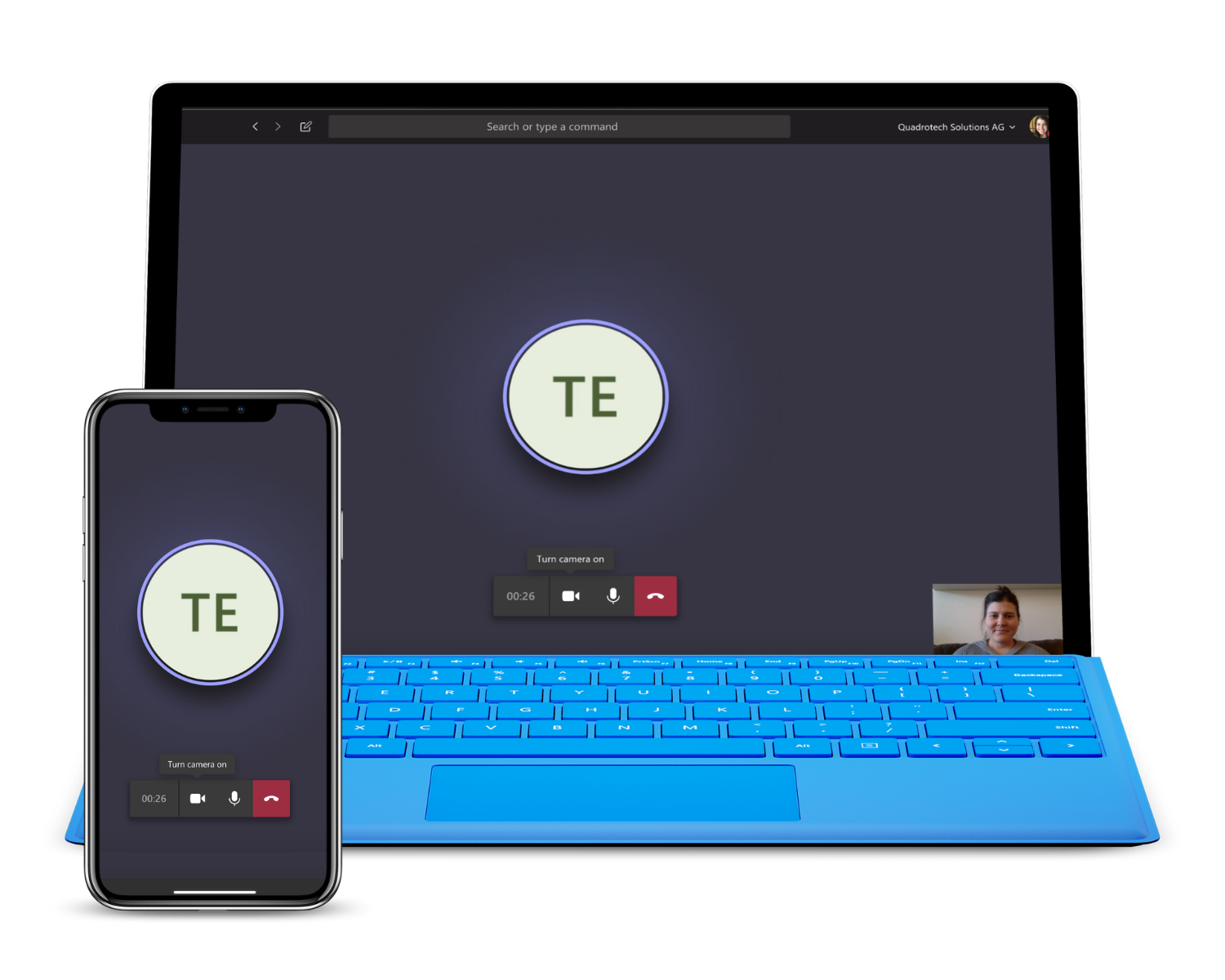
With Microsoft Teams, you can very easily videoconferencing, with two to as many as 10,000 people, regardless of their location. And mwith the press of a button you can switch from group chat to meeting.

Plan all your activities and events and stay informed about the activities of your colleagues. The calendar of Microsoft Outlook is integrated into Microsoft Teamsso you always have everything at hand.

Microsoft Teams not only lets you share files, you can also collaborate on documents with colleagues very easily. Because colleagues at real-time comments and feedback can provide, this contributes to the quality of the final result.

Shifts in Microsoft Teams is an app for schedule management that allows your schedules for your entire team. Simple and fast.

In the App–store of Microsoft Teams employees find well-known apps and workflows – from Microsoft or third parties -, which they can easily integrate in this way. This improve them their teamwork and increase their productivity, as individuals, but also as a team.

Experience digital freedom

With Microsoft Teams Calling you can make phone calls not only within the Microsoft Teams environment but also with mobile, local and international numbers. The main reason for using Microsoft Teams Calling is its flexibility.
As long as there is an Internet connection, you can make and receive calls, via a landline, a laptop or any other mobile device.
And very professionally, just through your business number. This makes it very easy to stay in contact with colleagues, customers and other relations, wherever you are.
With Microsoft Teams Calling, you have optimal image and sound quality.
Microsoft Teams Calling can be easily integrated with laptops and mobile phones running Teams.
Microsoft Teams Calling uses existing internet connections, which helps reduce costs.
Create call groups – so-called call-queues – to direct incoming traffic to the right person.
Let employees make and receive calls both inside and outside the office, using – as desired – both their personal and business numbers.
Digital freedom, but including protection against various phone and spam threats.

Companies that want to get more out of mutual cooperation and make smart calls.

Governments and educational organisations looking for an intelligent collaboration platform that keeps employees connected.

Companies looking to communicate better at manageable costs.


Growing thanks to digital freedom?
Do you also think it’s time for technology to help you move forward? IT that doesn’t hinder, but helps you take a hefty leap forward ? Feel free to contact us! Together, we explore your organisation’s digital future and industry developments with a professional and fresh perspective. So that your investments are still valuable tomorrow.

We are happy to share our knowledge!
Do you also want to experience digital freedom?
Click on the button below
Click on the button below
Click on the button below


