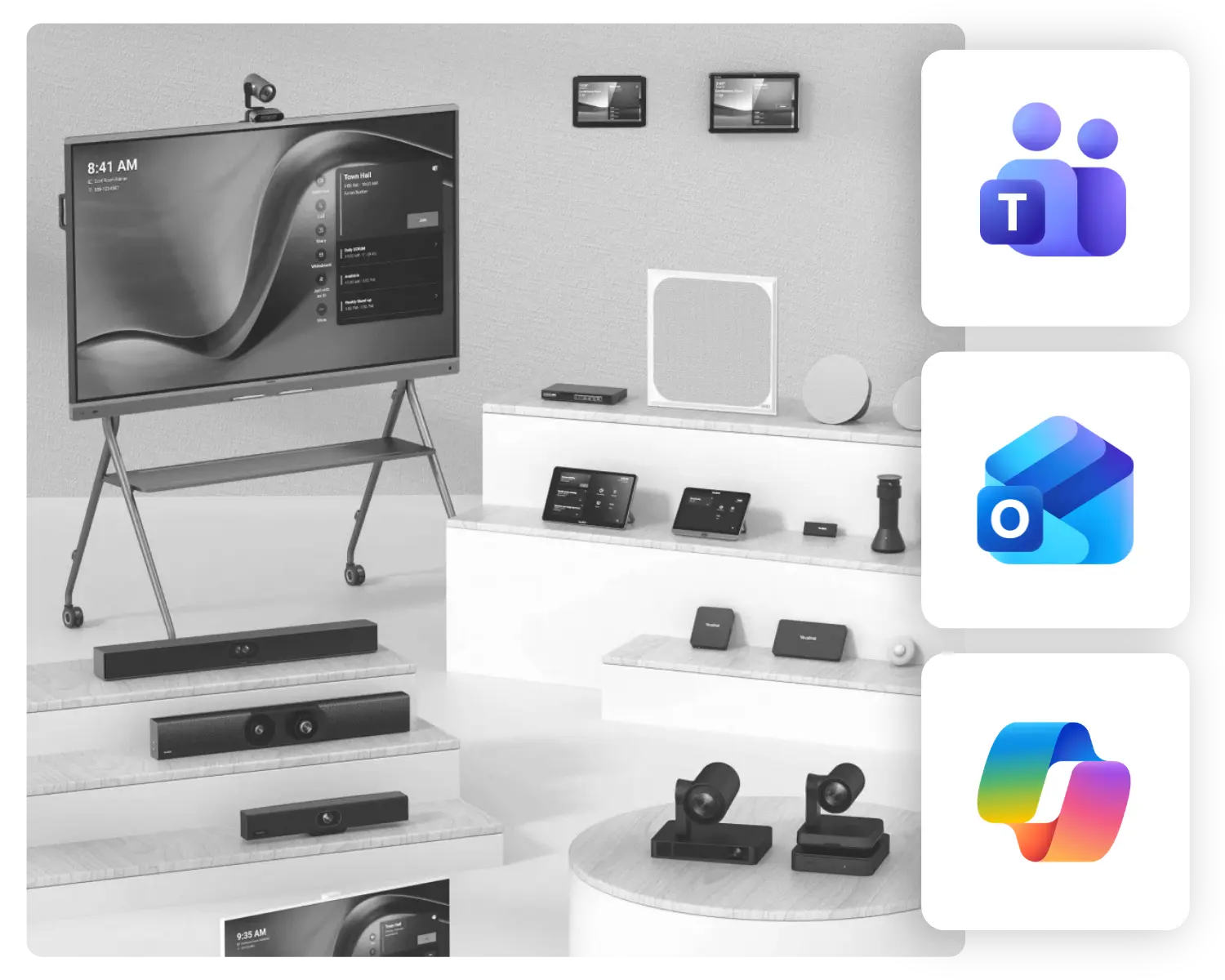
Yealink solutions for Microsoft Teams meeting rooms

Modern meeting rooms
that just work

We design, supply, and implement Microsoft Teams meeting rooms with Yealink for organizations in the Netherlands. From on-site assessments to post-deployment management.

What is a modern meeting room?

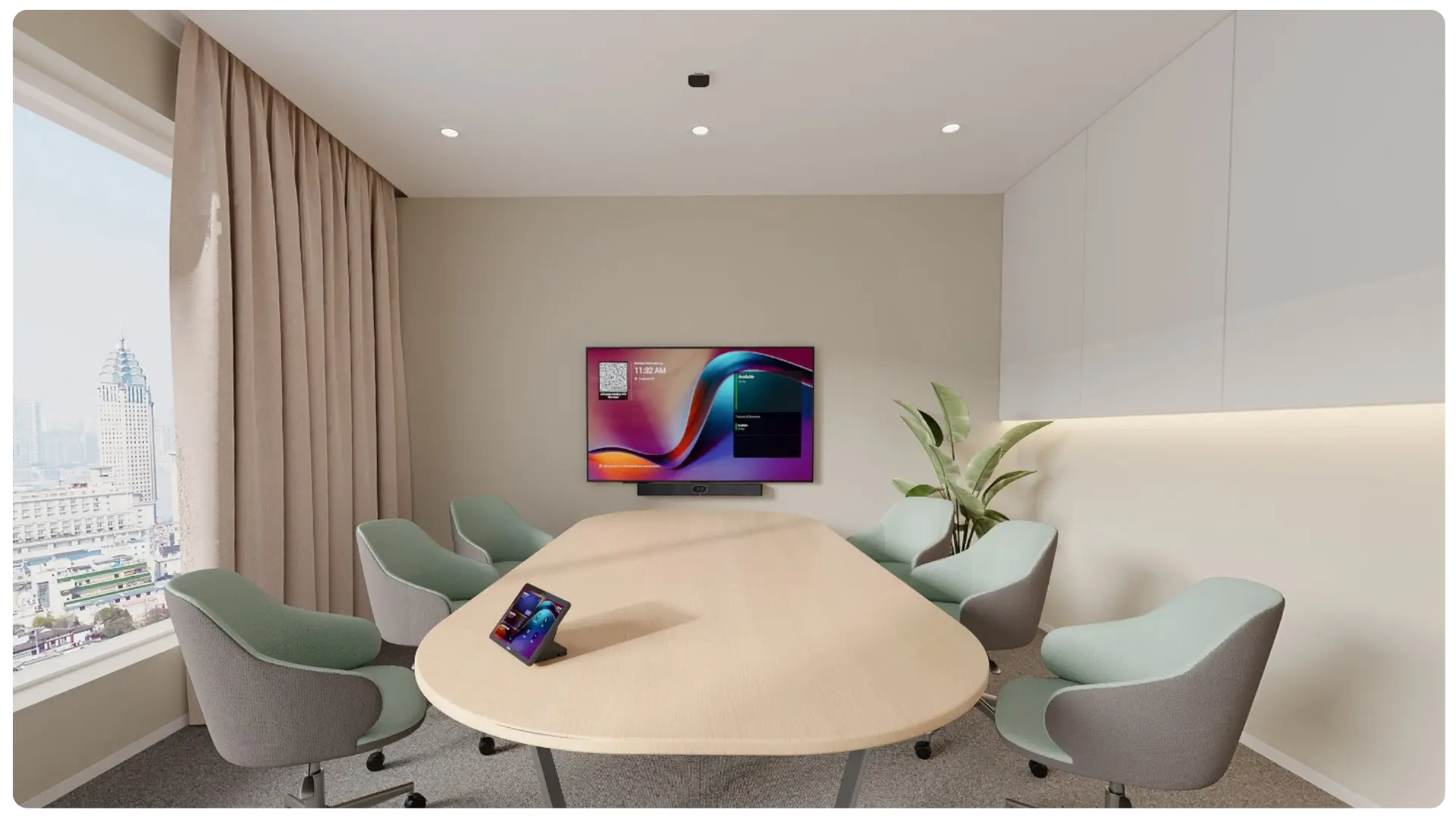
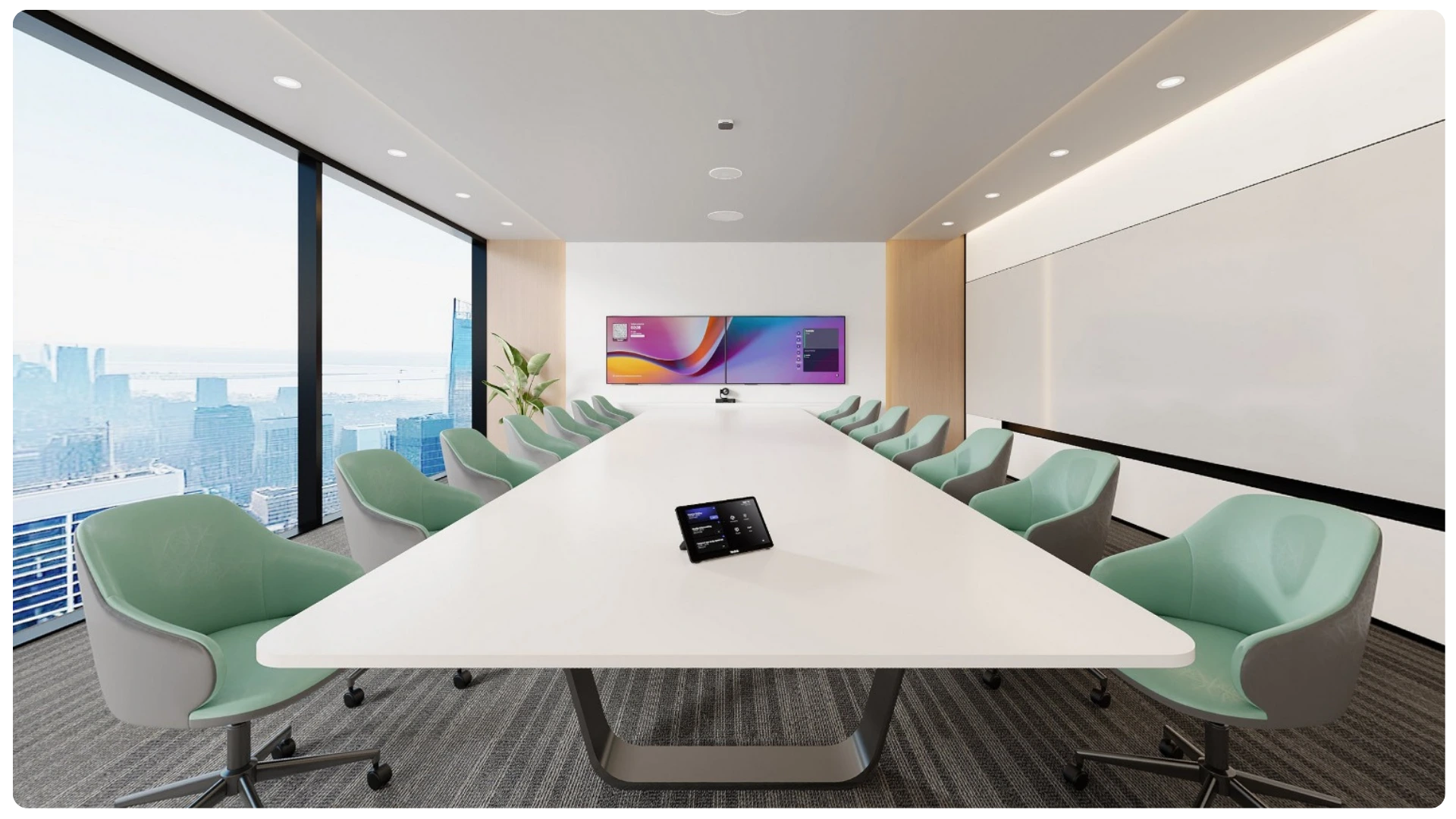
A modern meeting room is more than just a table with a laptop and Teams.

It’s a space where meetings run smoothly, even when not everyone is on-site: everyone can be seen and heard clearly, can easily join in, and can collaborate and share files without any hassle. No startup stress or technical issues.

To do that, you’ll need two things:

  • a smart Microsoft environment that supports meetings
  • Meeting equipment that suits the space and it’s intende use

That’s where Yealink comes in.

Why choose Yealink for this solution?

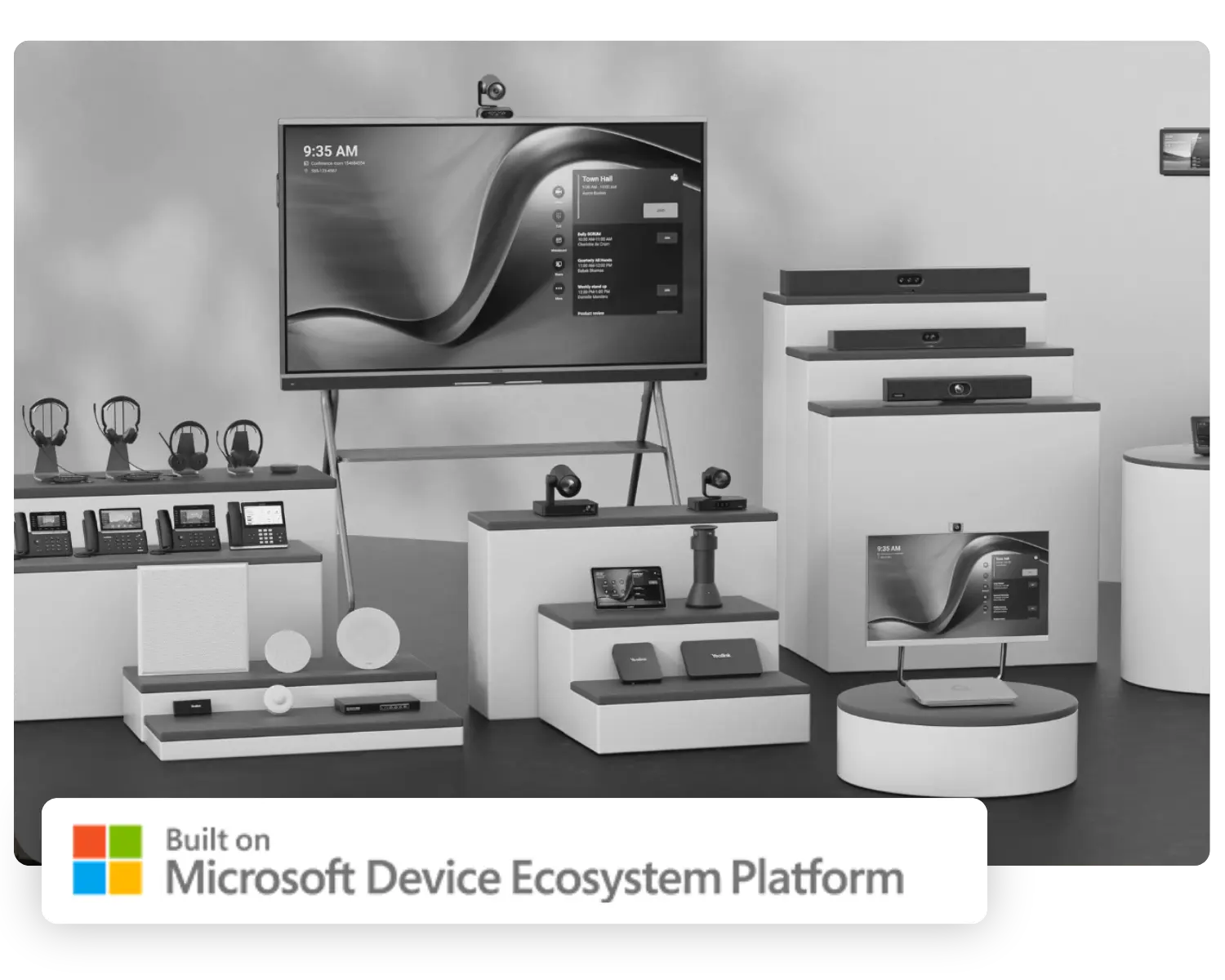
Yealink offers solutions for various types of meeting rooms within a Microsoft Teams environment. These include equipment for small, medium and large rooms, as well as room panels and controls to ensure seamless use of the space.
This makes it easier to standardize meeting rooms, simplifying things for users and making them easier for IT to manage.

FrustrerendEfficiënt

No more crowding around a single laptop

In many organizations, hybrid meetings are still conducted the same way: everyone gathers around a single laptop. The camera is positioned poorly, people in the back are hard to see, and voices sound distant or muffled.

That might work for a quick call, but not for long-term collaboration.

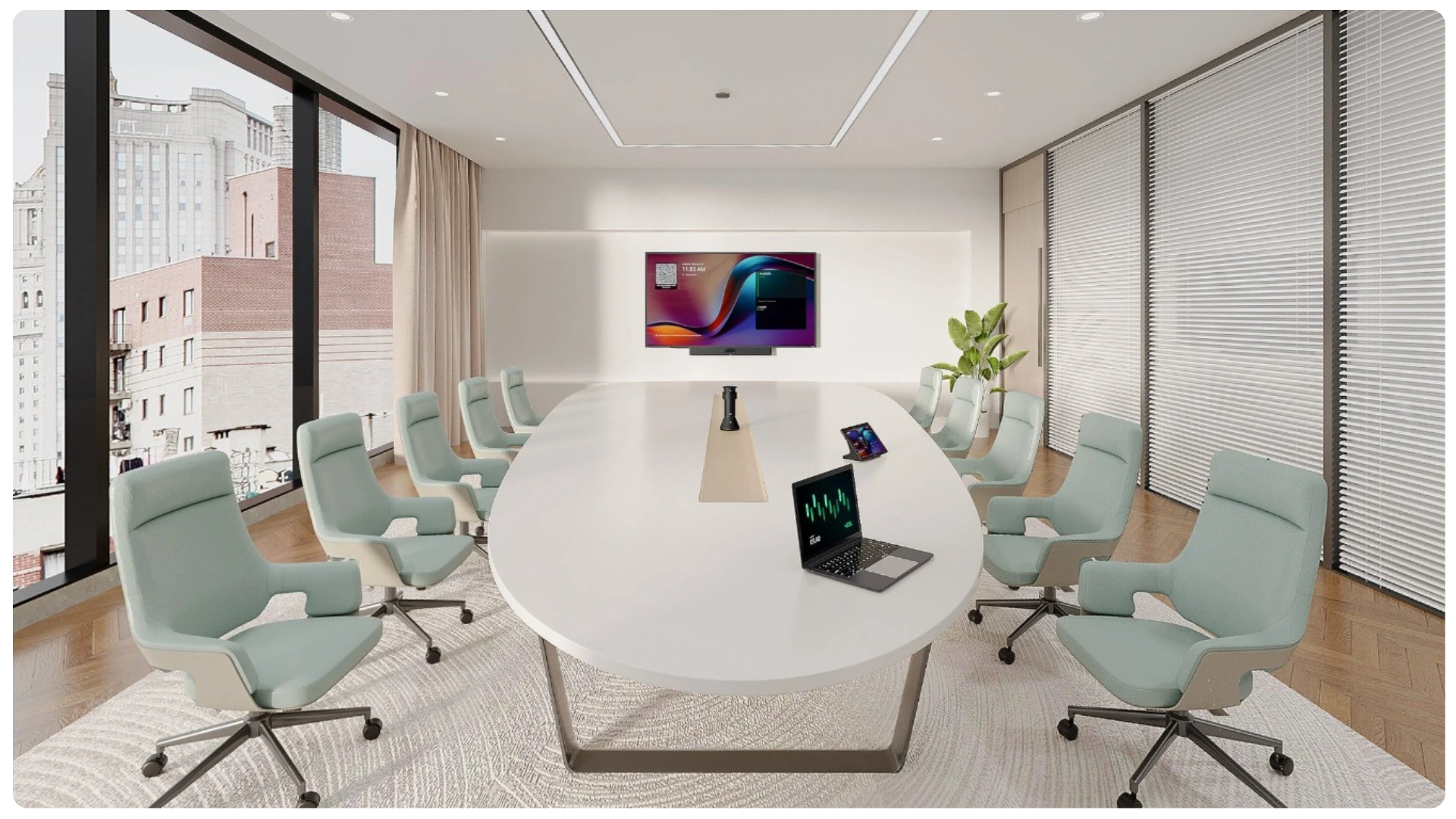
In a modern meeting room, it’s no longer just about a single device on the table. The room itself becomes part of the conversation. Cameras, microphones, and controls are designed to support the entire meeting, so everyone can sit comfortably, be heard clearly, and be seen clearly.

This creates a calmer environment, fewer interruptions, and a more professional experience for everyone who joins the call—whether in the office or working remotely.


Discover the solutions

For meeting rooms

Not all meeting rooms require the same approach. A small focus room functions differently from a room for ten people or a boardroom, which has more demanding requirements for audio, video, and controls.

That’s why we recommend what makes sense for each room.

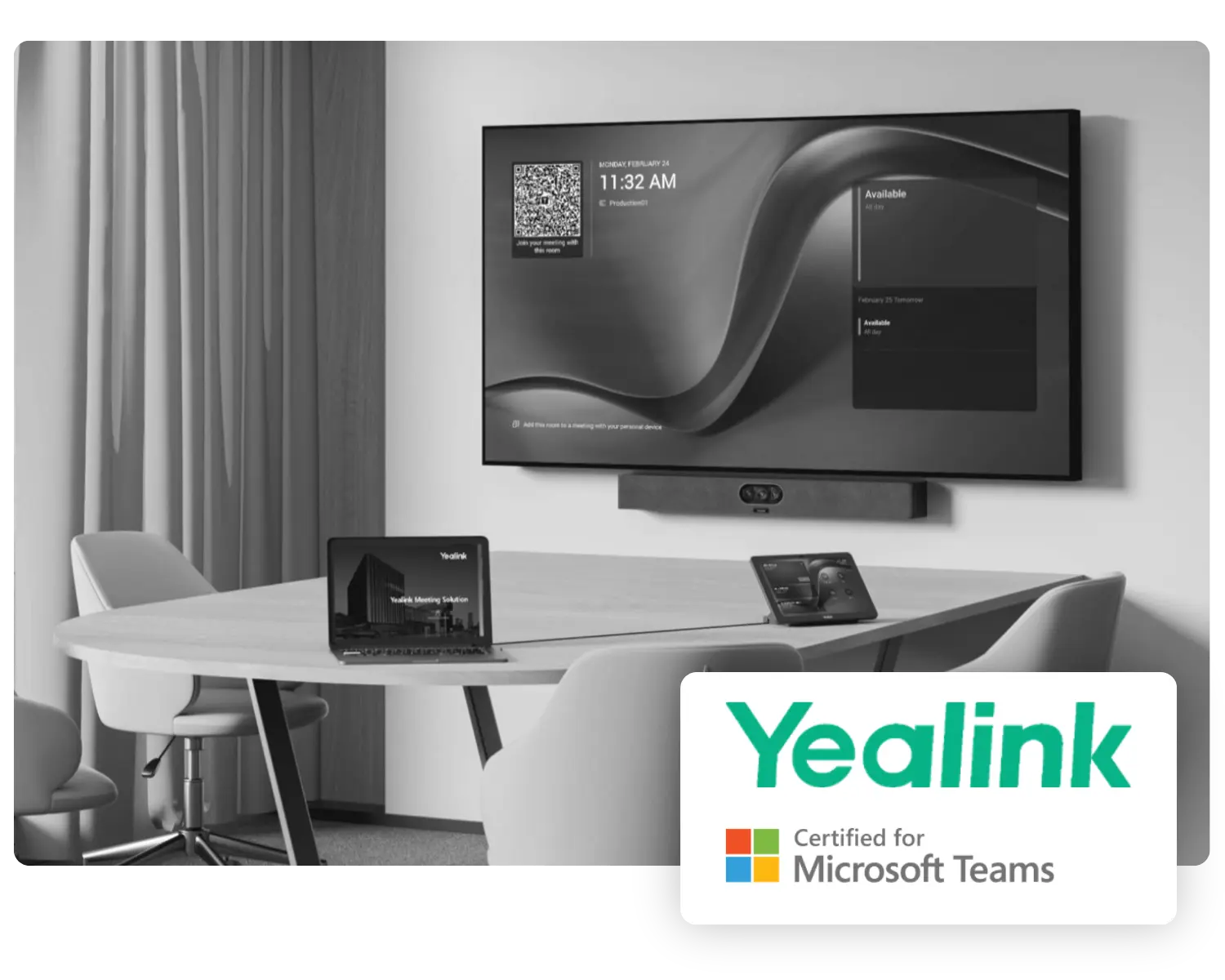
Small meeting rooms

For small spaces, it’s all about speed and simplicity. Quickly start a meeting, keep everyone clearly in view, avoid a tangle of cables, and don’t waste time on setup.

1
2
3

01

Meeting Display

The MeetingDisplay is specifically designed for the Yealink Meeting Room system and works seamlessly with MeetingBars, cameras, and the computer core to provide a complete meeting solution. Available in 55“, 65”, 75“, and 86” sizes, it is suitable for rooms of any size.

02

Touch Console

With the push of a button, you can start or join a meeting and control all features. This includes adjusting the camera, changing participant views, recording, and more.

03

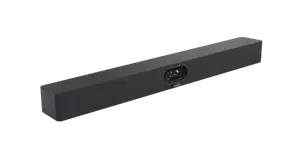
MeetingBar

The Yealink MeetingBar is an all-in-one video bar, specifically designed for compact focus rooms. With smart features like AI-powered IntelliFocus, the camera automatically frames and tracks the active speaker, ensuring that meetings remain natural and engaging.

04

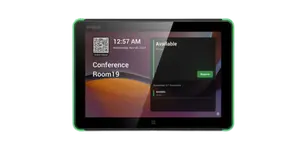
Room Panel

The Yealink RoomPanel E2 is a user-friendly addition to any meeting room that eliminates the need for external booking systems. With the familiar Teams interface, users can easily manage and reserve meeting rooms with a single click, preventing double bookings.

Medium meeting rooms

Here, audio clarity becomes more important. People are sitting farther apart, hybrid meetings are more common, and the system needs to work reliably without technical support for every meeting.

1
2
3
4

01

Meeting Display

The MeetingDisplay is specifically designed for the Yealink Meeting Room system and works seamlessly with MeetingBars, cameras, and the computer core to provide a complete meeting solution. Available in 55“, 65”, 75“, and 86” sizes, it is suitable for rooms of any size.

02

Touch Console

With the push of a button, you can start or join a meeting and control all features. This includes adjusting the camera, changing participant views, recording, and more.

03

MeetingBar

The Yealink MeetingBar is an all-in-one video bar, specifically designed for compact focus rooms. With smart features like AI-powered IntelliFocus, the camera automatically frames and tracks the active speaker, ensuring that meetings remain natural and engaging.

04

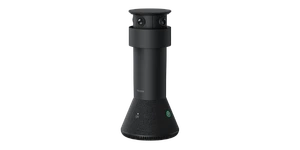
MTower

De MTower center-view camera, met AI-gestuurde Best-view Switching, schakelt naadloos tussen front- en centerperspectieven voor een directe en meeslepende vergaderervaring.

05

Room Panel

The Yealink RoomPanel E2 is a user-friendly addition to any meeting room that eliminates the need for external booking systems. With the familiar Teams interface, users can easily manage and reserve meeting rooms with a single click, preventing double bookings.

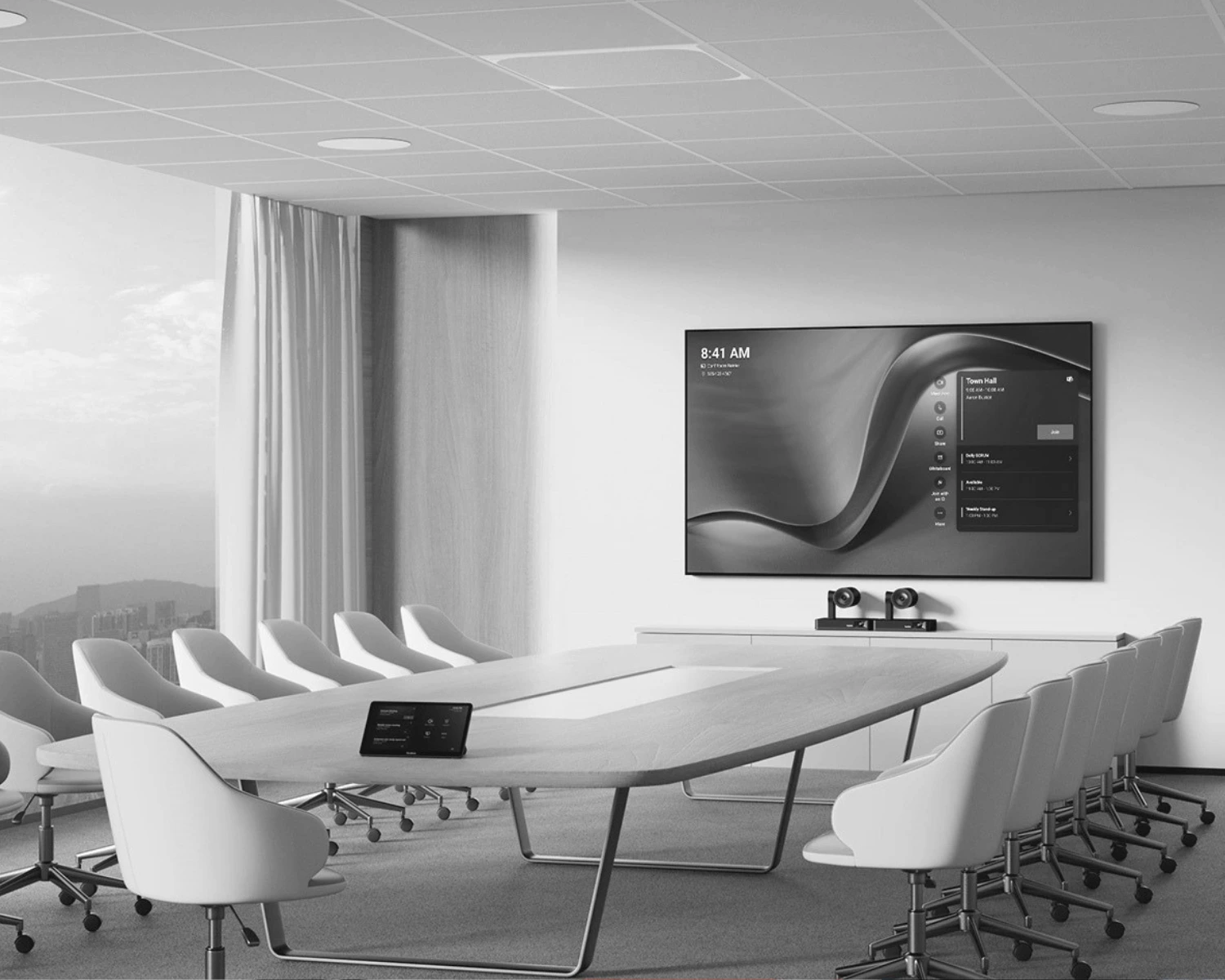
Large meeting rooms

Larger spaces usually require a customized solution. In such cases, you need to consider not only video and audio, but also controls, coverage, displays, and the overall layout of the space.

1
2
3
4

01

Meeting Display

The MeetingDisplay is specifically designed for the Yealink Meeting Room system and works seamlessly with MeetingBars, cameras, and the computer core to provide a complete meeting solution. Available in 55“, 65”, 75“, and 86” sizes, it is suitable for rooms of any size.

02

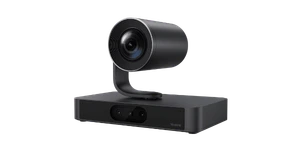
Smart Vision

Designed for large spaces, this smart PTZ camera combines a 20x optical zoom lens with an innovative 3+1 vision system for unmatched coverage.

03

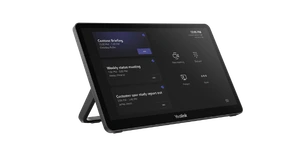
MTouch Plus

This 11.6-inch 1080p touch panel supports an extended display mode, allowing you to easily share content via Miracast or AirPlay. Designed for easy integration, it offers plug-and-play wireless sharing and touch control.

04

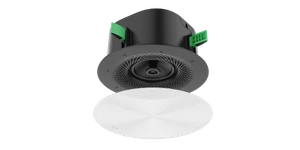
Microphone

Beamforming ceiling microphone: delivers high-quality audio using an array of 16 omnidirectional microphones, providing 360° coverage across 8 independent pickup zones.

05

Room Panel

The Yealink RoomPanel E2 is a user-friendly addition to any meeting room that eliminates the need for external booking systems. With the familiar Teams interface, users can easily manage and reserve meeting rooms with a single click, preventing double bookings.

What exactly does
2source4
do?

We help organizations set up modern meeting rooms using Yealink and Microsoft Teams.

It doesn’t start with a box of equipment, but with the question of what’s actually needed. How big is the space? How is it used? How many people are usually there? And how often do colleagues join online?

Based on that, we recommend a suitable solution. We then handle the delivery, installation, and setup of the space. After the system goes live, we remain available for support and management.

This way, you don’t end up with a collection of separate products, but a meeting room that actually works.

Supply of Yealink devices and complementary workplace solutions

Support for management, security, and usage

This way, you don’t end up with a pile of products, but a functional setup

Advice on the right modern workspace for each user and each room

Toward digital freedom

How the process works

  • 01. Inventarisatie op locatie

    We’ll take a look at your current meeting rooms, Teams environment, and requirements. If necessary, we’ll visit your location to thoroughly assess the spaces and how they’re actually used.

  • 02. Advice tailored to your situation

    You’ll receive a proposal tailored to your practice. No overly ambitious wish lists, just a design that’s truly useful to you.

  • 03. Delivery and Implementation

    We supply the selected devices and handle their setup, configuration, and integration into the environment.

  • 04. Aftercare and Management

    It doesn’t stop once the site goes live. We’re also here to help with support, management, and further optimization whenever needed.

Who
might be
interested in this?

2source4 - Building Microsoft Teams (3)

Small and medium-sized enterprises

Companies that want to streamline their hybrid meetings without unnecessary complexity.

2source4 - Building Microsoft Teams (2)

Public Organisations

Organizations that want to reliably set up meeting rooms for discussions with colleagues, partners, and external participants.

2source4 - Building Microsoft Teams (1)

Large companies

For organizations with multiple meeting rooms or locations that want to create a consistent Teams experience and spend less time managing individual solutions for each room.

Satisfied customers who rely on us

Contact one of our IT-specialists

Ready to set up your meeting rooms properly?

Want to make hybrid meetings run more smoothly with Microsoft Teams?
Fill out the form with your information. Then we’ll work with you to determine which Yealink solution best suits your spaces, usage, and needs.

We’ll get back to you within one business day. No obligations.

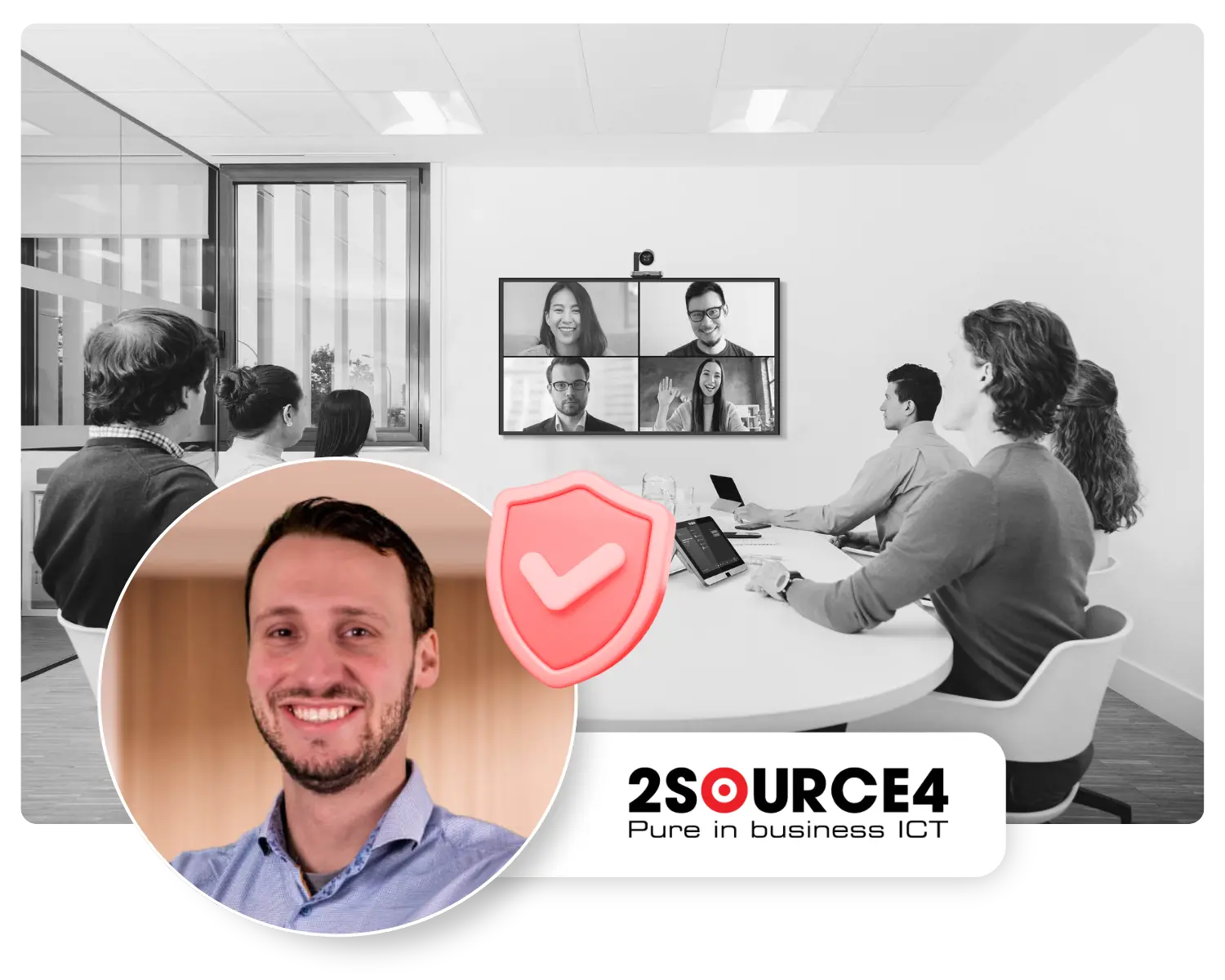
A modern meeting room shouldn’t just look good on paper. You should be able to feel the difference in your daily work.

Luuk van den Ende
(IT Consultant)

FAQ

If your question is not listed, feel free to contact one of our IT specialists.

We have deliberately designed this page with a Teams-first approach. The solution is intended for organizations that use Microsoft Teams as the foundation for collaboration and meetings.

Many organizations have invested in meeting solutions after the pandemic. In practice, however, we see that these solutions often no longer meet current needs. This is due to limited ease of use, insufficient integration with other workplace solutions and the lack of modern (AI) functionalities that make the difference in efficient and effective collaboration today.

Yes. Especially in small and medium-sized organizations, it’s important that workspaces and meeting rooms function smoothly, without unnecessary complexity.

Yes. That’s often where the real benefits lie. A modern workplace isn’t just about meeting rooms; it’s also about each employee’s individual setup.

Sometimes, yes. It depends on the current situation. We assess each space to determine what can be reused and what would be better to replace.

No. In many situations, a phased approach makes more sense. We first assess what’s already in place, what can still be used, and where the biggest areas for improvement lie. Based on that, we’ll develop a proposal tailored to your situation and budget.

Yes. If you have multiple offices, teams, or spaces, we can roll out the system in phases. This way, you can maintain an overview, avoid unnecessary disruption, and make adjustments more quickly based on real-world experience.

A meeting room only works well if people immediately understand how it works. That’s why we focus not only on technology, but also on ease of use, layout, and clear handover. Where necessary, we also provide guidance and support for adoption.

We’ll make that clear up front. Depending on your needs, we can provide support for management, monitoring, updates, and further optimization, ensuring that the environment continues to function properly even after delivery.

Less hassle in meetings.
More peace and quiet during the workday.

A meeting room just has to work. Would you like to know what your organization needs to make this happen? Fill out the form, and we’ll get in touch with you.

Schedule a consultation